Launch Strategy: How to Build a Retail-Ready Product Launch for E-commerce Brands
Stop launching and scrambling. AO2 breaks down the exact steps to build a retail-ready product launch across Amazon, Walmart, and your DTC site.
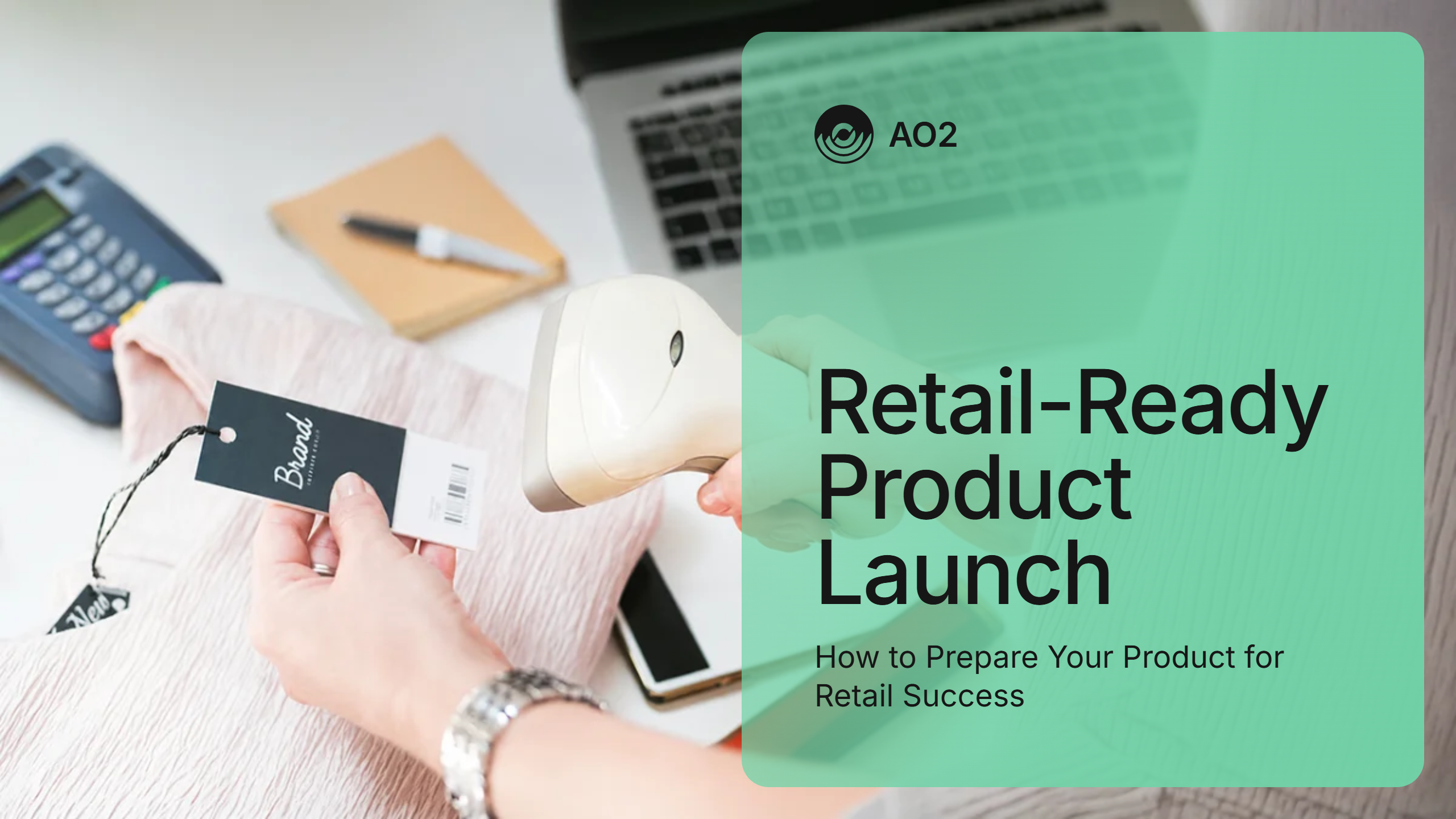
You've got the product. You've got the packaging. You've got the entrepreneurial spirit. But launching on Amazon, Walmart, or your direct-to-consumer (DTC) website without a structured, channel-specific strategy is one of the fastest ways to leave revenue on the table, or worse, to erode the brand credibility you've worked hard to build.
A retail-ready product launch isn't just about getting a product on a website. It's about launching with precision: the right content, the right operations, and the right data infrastructure in place before a single customer sees your listing. At AO2, we've helped brands across categories drive measurable growth at launch, The ones that win consistently do it with a framework, not a scramble.
Here's how to build one.
Step 1: Define Your Channel Strategy
Most brands make the same mistake: they build a product page for one channel and copy-paste it everywhere else. Amazon, Walmart, and your DTC site are fundamentally different shopping environments, and treating them the same way will cost you conversions.
Before you write a single word of copy or upload a single image, answer these questions for each channel:
- Who is the primary buyer on this channel, and what are they searching for?
- What does the competitive landscape look like at the category level?
- What conversion levers does each platform offer? How can you best utilize them?
- How does pricing strategy differ across channels without triggering suppression or customer confusion or interfering with MAP policies?
Amazon attracts high-intent shoppers who are comparison shopping on price, reviews, and speed of delivery. Walmart shoppers often skew value-conscious and are cross-shopping in-store versus online. Your DTC site is where your brand story lives, where you have full control of the experience and where you can capture first-party customer data that fuels long-term growth.
Each channel deserves its own strategy. The sooner you build that into your launch plan, the faster you'll see results.
Step 2: Build Content That's Retail-Ready (to Convert)
Content is your digital shelf and billboard all rolled into one. On Amazon and Walmart, you don't get a second chance at a first impression; your title, images, bullet points, and A+ Content either convert or they don't. On your DTC site, content is your brand. It's the reason someone pays full price instead of hunting for a discount code.
Amazon Content Essentials
Amazon's algorithm rewards relevance and conversion rate. That means your content must work for both the search engine and the shopper simultaneously.
- Titles: Lead with your primary keyword, keep it under 75 characters, and include your brand name, key attribute, and size or count variant.
- Bullet Points: Address the top five shopper objections or desires. Lead with action words and benefits, not just features. 'Stays cold for 24 hours' beats 'Double-wall insulation.'
- A+ Content: Brands enrolled in Brand Registry (Amazon's brand protection and content program) can unlock rich media modules like comparison charts, lifestyle imagery, and brand story sections. Use them. Listings with A+ Content consistently outperform those without it.
- Backend Keywords: Every character of your backend search terms field should be used. These are invisible to shoppers but drive organic discoverability.
Walmart Content Essentials
Walmart's content requirements mirror Amazon's in structure but differ in execution. Walmart's algorithm weighs content quality scores heavily in search ranking, and it's one of the most underutilized levers brands have on the platform.
- Rich Media: Walmart's content quality dashboard scores your listing in real time. Prioritize high-resolution images, video content, and a complete attribute set to hit a top-tier score.
- Seller Center vs. Vendor Central: Whether you're selling as a marketplace seller (through Walmart's Seller Center) or as a supplier (through Vendor Central), your content submission process differs. Know your path before launch day.
- Product Descriptions: Unlike Amazon, Walmart displays longer product descriptions prominently. Use this space to tell a fuller brand story and address secondary search queries.
DTC Content Essentials
Your DTC site is where you own the entire customer experience from the first scroll to the post-purchase email sequence. Launch-ready DTC content means your product pages do more than describe. They sell.
- Hero Imagery & Lifestyle Photography: Show your product in use. Show who it's for. High-quality creative is the single biggest driver of DTC conversion improvement for most brands.
- Product Page Copy: Write directly to your customer! Use words like 'you' and 'your' throughout to connect directly to your potential buyer. Connect your product's features to outcomes they care about.
- Social Proof: Launch with reviews (or UGC) if possible. Consider seeding a pre-launch review program, sending samples to micro-influencers, or importing verified reviews through legitimate cross-platform tools.
- Technical SEO and AEO: Your DTC pages need to be discoverable. Optimize title tags, meta descriptions, and on-page headers with the same keyword discipline you bring to Amazon and Walmart.
Step 3: Get Your Operations in Order
Content without operations is a recipe for bad reviews. You can have the best listing on Amazon and still tank your launch if your fulfillment, inventory, and buy box strategy aren't locked in before day one.
Fulfillment Strategy
On Amazon, you have three primary fulfillment options: Fulfilled by Amazon (FBA), Fulfilled by Merchant (FBM), and Seller Fulfilled Prime (SFP). Each has implications for cost, control, and Prime eligibility.
- FBA gives you Prime badge eligibility and Amazon-managed logistics, which are critical for launch velocity and Buy Box competitiveness. Send your inventory to Amazon's fulfillment network before your launch date, not on it.
- FBM gives you inventory control and is a useful backup if FBA inventory runs low. Build this as a redundancy, not a primary strategy, unless your category and margins support it.
- SFP is for sellers who want Prime eligibility while managing their own fulfillment. It requires meeting Amazon's strict shipping performance thresholds. It's a premium option that demands operational maturity before launch. Established sellers with prominent DTC presence can step into SFP pretty easily.
On Walmart, fulfillment through Walmart Fulfillment Services (WFS) mirrors FBA's advantages: improved search ranking, fast shipping tags, and higher buyer trust. If you're scaling on Walmart, WFS enrollment ahead of launch is one of the highest-ROI operational moves available to you.
New Walmart sellers can also take advantage of New Seller Savings and receive up to $2,000 in WFS credits in their first year.
For your DTC site, fulfillment is entirely your responsibility (or your 3PL's). Map your order-to-ship timeline, define your customer-facing delivery windows, and make sure your checkout page reflects accurate shipping costs and speeds. One of the most common DTC launch failures is overpromising on delivery and under-delivering at the doorstep.
Inventory Planning
Stockouts kill momentum. On Amazon especially, running out of inventory resets your organic rank, and rank recovery takes time and ad spend you weren't planning on.
Use your pre-launch demand data (search volume, competitive sales velocity estimates, and any influencer or PR activity you've planned) to build a 60-to-90-day inventory buffer at launch. It's almost always better to have more than you need than to go out of stock in your first month.
Pricing Strategy & Buy Box Management
Your pricing architecture across channels needs to be intentional from day one. Amazon's algorithm monitors price parity and punishes listings that are less expensive elsewhere. If your DTC site or Walmart listing is priced significantly lower than your Amazon listing, you risk losing the buy box or triggering a suppression (even if you’re the only seller on the listing).
Set a consistent minimum advertised price (MAP) policy before launch, even if you're the only seller. This protects your brand equity as you scale and prevents a race to the bottom if resellers enter your catalog later.
Step 4: Launch Your Paid Advertising Strategy from Day One
Organic rank takes time. Advertising accelerates it. On Amazon and Walmart, you cannot afford to wait on paid advertising. You need it live on day one to drive initial sales velocity, which in turn feeds the algorithm, which builds organic visibility over time.
A note of caution: All marketplaces and platforms offer a myriad of advertising options and placements. Early-stage sellers can certainly get overwhelmed trying to implement them all. Start simple with one ad type, and add on as your sales velocity grows and you have more budget to allocate.
Amazon Advertising at Launch
Amazon Ads offers several ad types relevant to launch. Sponsored Products are the highest priority as they appear directly in search results and drive the most conversion volume. Build automatic campaigns to capture keyword data in your first two weeks, then layer in manual campaigns with the high-performing keywords you identify.
- Set your launch budget higher than your steady-state budget. The first 30 to 60 days of a listing's life carry disproportionate algorithmic weight (call it the “honeymoon period”).
- Target your top competitors by Amazon Standard Identification Number (ASIN) in Sponsored Products and Sponsored Display campaigns to intercept shoppers already in the market.
- Track your Advertising Cost of Sale (ACoS) and total ACoS (TACoS) from day one. ACoS measures ad spend against ad revenue; TACoS measures it against total revenue. Both matter, but TACoS is the metric that tells you whether your advertising is building organic health or just breaking even.
Walmart Advertising at Launch
Walmart Connect (the marketplace’s advertising platform) is maturing rapidly and remains less competitive than Amazon's, which means your cost-per-click (CPC) is often lower and your return on ad spend (RoAS) is often stronger for comparable investment.
- Sponsored Products on Walmart work similarly to Amazon's: keyword-targeted and appearing in search results. Build out your campaign structure with match type discipline (broad, phrase, and exact) from day one.
- Walmart's search-in-grid ad placements are particularly valuable at launch because they appear at the top of the search results page without the listing needing to earn that position organically.
DTC Paid Media at Launch
Your DTC launch paid strategy typically lives outside of Amazon and Walmart's walled gardens: Meta ads, Google Shopping, Google Search, and influencer partnerships all drive traffic directly to your site. The key discipline is attribution: know where your traffic is coming from and what it's converting at before you scale spend.
Retargeting campaigns should be live from launch day. Every visitor who lands on your product page and doesn't convert is a qualified lead. Bring them back.
Keep in mind (down the road) that merchants not currently selling on Amazon can still tap into its Demand Side Platform advertising through non-endemic DSP.
Step 5: Measure What Matters & Optimize Fast
A retail-ready launch doesn't end when you go live. The first 30 days are a data collection period as much as a sales period. The brands that win long-term are the ones that move fast on what the numbers tell them.
Key Launch Metrics by Channel
- Amazon: Track click-through rate (CTR), conversion rate, ACoS, TACoS, organic rank for your top five to ten keywords, and customer reviews. Low CTR typically indicates a title or main image problem. Low conversion rate with high CTR usually signals a content or pricing problem below the fold.
- Walmart: Monitor content quality score, search rank for primary keywords, CPC efficiency, and in-stock rate through Seller Center or Vendor Central. Walmart's analytics dashboard surfaces competitive insights that are underutilized by most sellers.
- DTC: Watch sessions, add-to-cart rate, checkout abandonment rate, and revenue per visitor. Your post-purchase flow (confirmation emails, review requests, cross-sell sequences) should also be live from day one. Don't leave repeat purchase revenue to chance.
What to Optimize & When
- Weeks 1 & 2: Focus on advertising data. Identify which keywords are converting and kill the ones that are burning budget without returning results. Make sure your fulfillment SLAs are being met and your review velocity is positive.
- Weeks 3 & 4: Optimize content based on what you're seeing. If a certain product image is driving higher engagement in A/B tests, move it to position one. If your bullet points aren't addressing the questions showing up in customer Q&A, rewrite them.
- Day 30: Conduct a full launch audit. Where did you outperform expectations? Where did you leave revenue behind? Build those answers into your 60-day plan.
The Bottom Line: Launch Right, Scale Faster
A retail-ready product launch is the convergence of strong content, sound operations, strategic advertising, and disciplined measurement working together across every channel where your customers are shopping.
Brands that launch with this level of rigor don't just have better first-month results. They build the organic ranking, review base, and brand equity that compounds month over month.
You don't have to figure this out alone. AO2 works with brands at every stage of their e-commerce journey, from first-time Amazon launches to full omnichannel growth strategies spanning Amazon, Walmart, and DTC. We bring the expertise, the data, and the operational depth to help you launch right the first time.
Ready to build a launch strategy that drives measurable growth from day one? Schedule a call with a member of the AO2 team today.
Latest Updates

Curious what AO2 can do for your brand? Schedule a call today.
.svg)


.webp)